
为适配不同的应用场景和APP风格,支持开发者自定义配置地图样式,自由控制底图50多种元素(包含陆地、水系、绿地、人造区域、建筑物、道路、铁路、地铁、POI等)的颜色、透明度、显隐等呈现效果。
选择模板/编辑个性化地图——传入.sty文件路径/样式ID——开始使用个性化地图
开发者可选择模板或者新建并配置个性化地图,打造独具风格与特色的地图。
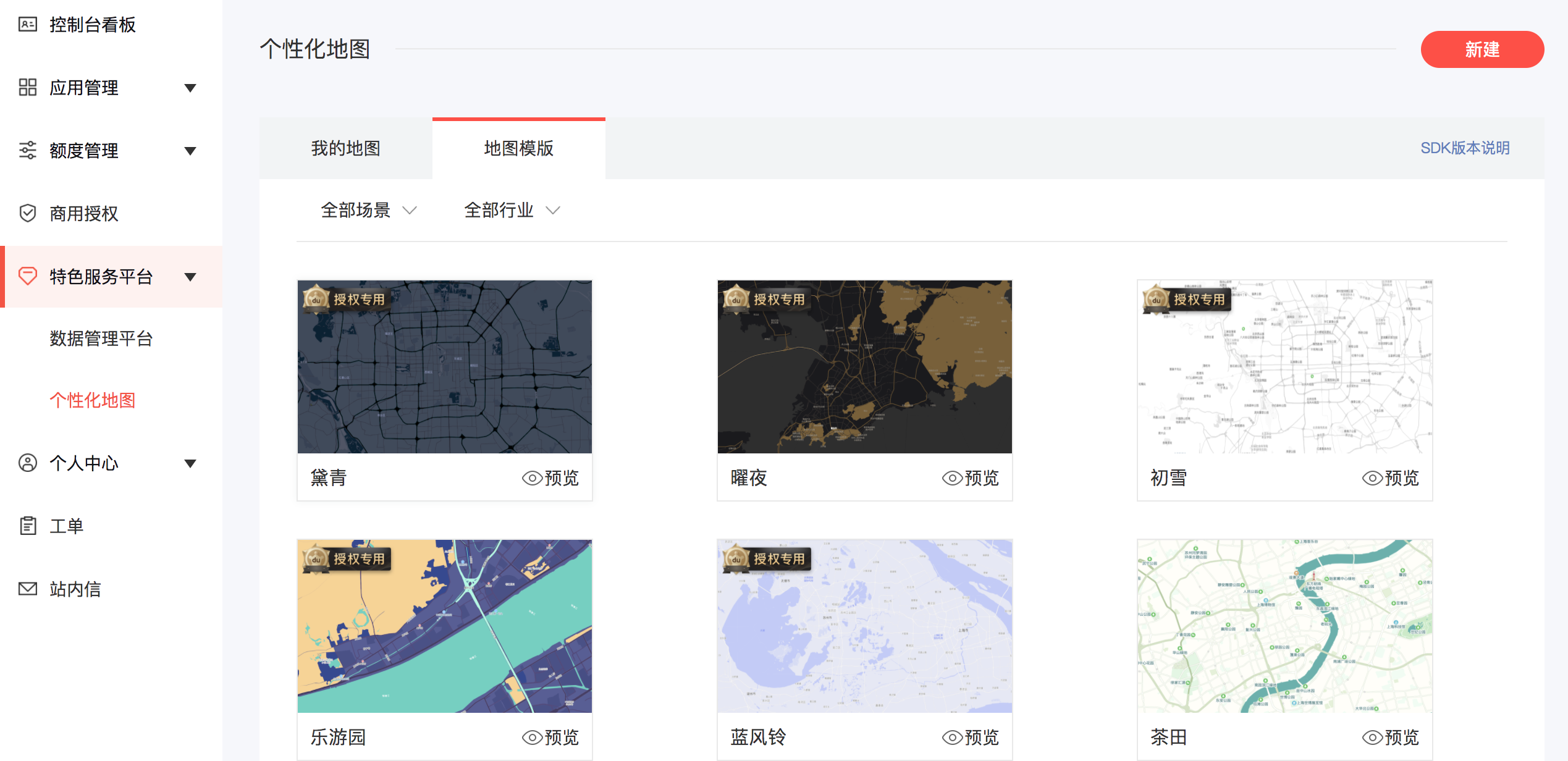
方式一:配置.sty样式ID
class CustomMapStyleCallBackImpl implements CustomMapStyleCallBack {/** @return 返回true:表示这部分逻辑由开发者处理,SDK不做任何处理,即新的样式更新需要开发者自行实现;* 返回false:默认走SDK内部处理逻辑*/onPreLoadLastCustomMapStyle(path: string | null) {console.log(`CustomMapStyle-本地缓存: ${path ?? '无'}`);return false;}onCustomMapStyleLoadSuccess(hasUpdate: boolean, path: string | null) {console.log(`CustomMapStyle-加载成功, 是否更新: ${hasUpdate}, 路径: ${path}`);return false;}onCustomMapStyleLoadFailed(status: number, message: string, path: string | null) {console.error(`CustomMapStyle-加载失败, status: ${status}, message: ${message}, path: ${path}`);return true;}}const styleCallBack: CustomMapStyleCallBack = new CustomMapStyleCallBackImpl();this.mapController?.setCustomStyleById('xxxxxxxxxxxxxxxxx', styleCallBack);
方式二:加载样式文件
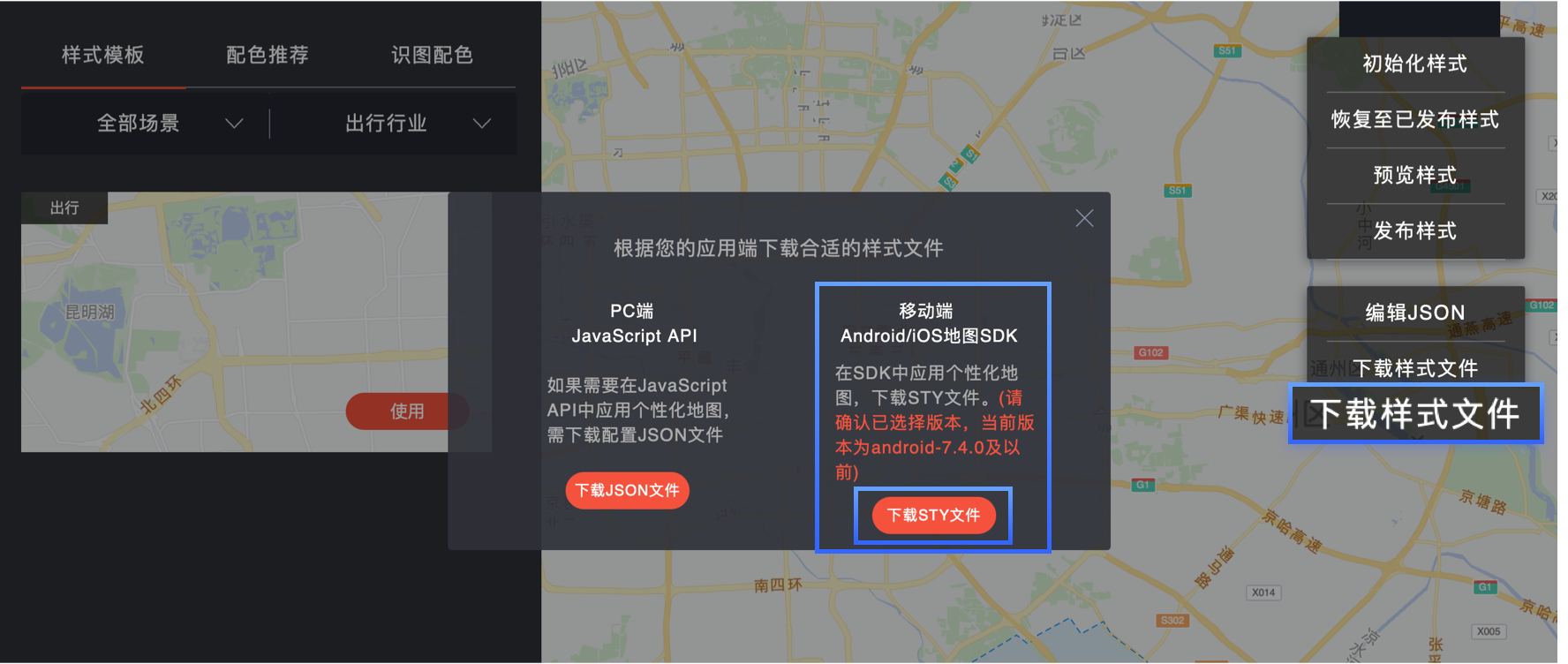
在项目资源目录rawfile中拷贝map.sty文件,可以重命名,比如map_gray.sty。然后通过initCustomStyle方法加载样式,通过setCustomStyleEnable方法设置是否启用此样式。
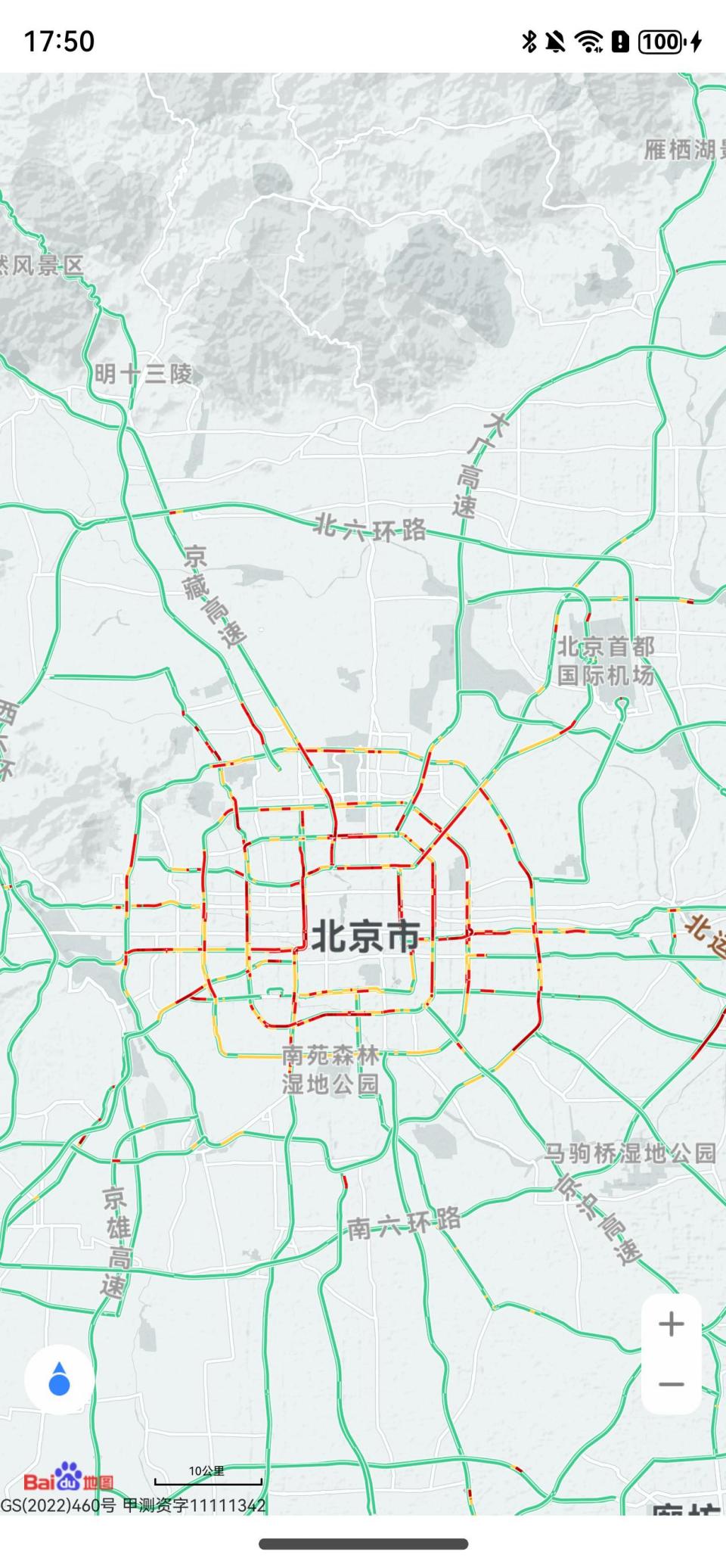
// 加载个性化样式文件this.mapController.initCustomStyle('map_gray.sty', () => {// 设置是否启用此样式this.mapController?.setCustomStyleEnable(true);});
上一篇
下一篇